Free scheduling assist tool - find your slots
and draft the meeting email
Connect your calendar, describe the meeting, and Replai finds your free slots and writes a ready-to-send scheduling email - in seconds.

The scheduling back-and-forth ends here.
One meeting eats an average of 17 minutes in email ping-pong. Across a week, that's hours gone to hunting for slots and typing "how about Tuesday at 3?" Replai cuts it out - then use the Email Reply Generator to clear the rest of your inbox while you're here.
- Reads your real calendar - no double-booking
- Drafts a polished email with real, open slots
- Works with Google Calendar and Outlook
- Start to send in under 10 seconds
Three steps to a
perfectly scheduled meeting
No manual slot-checking. No copy-pasting from your calendar. Describe the meeting - Replai handles the rest.
Connect your calendar
Describe the meeting
Get slots and an email
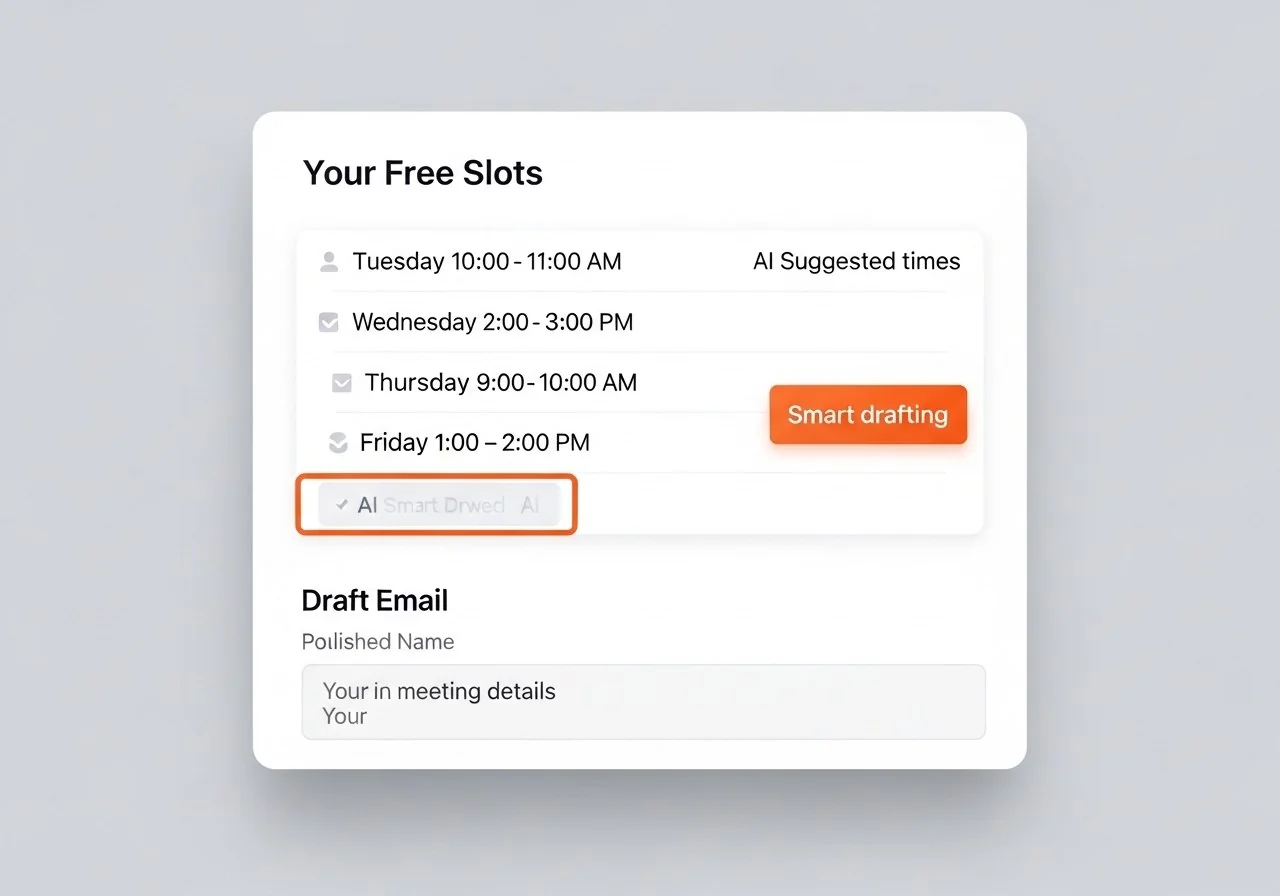
Real calendar slots. A real scheduling email.
Ready to send.
You don't get a vague suggestion - you get your actual open windows matched to the duration you need, plus an email draft that names the slots, explains the meeting, and asks the recipient to pick a time. The draft is shaped by your Reply Identity, so it sounds like you wrote it.
- Real slots, pulled from your live calendar
- Email written around your meeting context
- One-click copy - paste straight into Gmail or Outlook
- Edit anything before you send
Connect your calendar in 60 seconds
No setup to wrestle with. OAuth sign-in takes under a minute - then you're ready to schedule your first meeting the smart way.
Everything you need to know
What is the scheduling assist tool?
Scheduling assist connects to your calendar and helps you answer meeting requests with real availability. Instead of three emails asking "does Tuesday work?", you get a draft with open slots already checked. For the wider category, see the best AI scheduling tools compared.
It reads your Google Calendar or Outlook Calendar, finds open slots inside your working hours, and drafts a scheduling email with three proposed times in your own style. Paste it, send it, done. After the meeting, use our AI meeting notes generator to capture decisions and action items while they're fresh.
Why use this instead of a booking page?
Booking pages like Calendly shine for inbound scheduling - when someone wants time with you. But plenty of scheduling is outbound: you reach out and propose a time. That's where this is faster. It writes the email for you instead of sending someone off to a calendar widget.
Does it work with Gmail and Outlook?
Yes - Replai connects to both Google Calendar and Outlook Calendar via OAuth. Your free time is read securely, no events are stored, and the draft drops straight into your compose window.
This tool drafts one email. Replai Scheduling handles every meeting for you.
Get a personal booking link that shows your real availability, blocks the time on your calendar, and sends confirmations - no back-and-forth, ever.
- Permanent booking link at your own URL
- Syncs with Google Calendar and Outlook - no double-booking
- Confirmation emails sent automatically to both parties
Free forever
Your next meeting,
scheduled in 10 seconds
Free account, connect in 60 seconds, and never type "when are you free?" again.
No credit card · Read-only calendar access · Cancel any time